![Tazapay-logotype-white.png]](https://support.tazapay.com/hs-fs/hubfs/Tazapay-logotype-white.png?height=40&name=Tazapay-logotype-white.png)
Step 1: Log In to Your Tazapay Dashboard
- Access Your Dashboard:
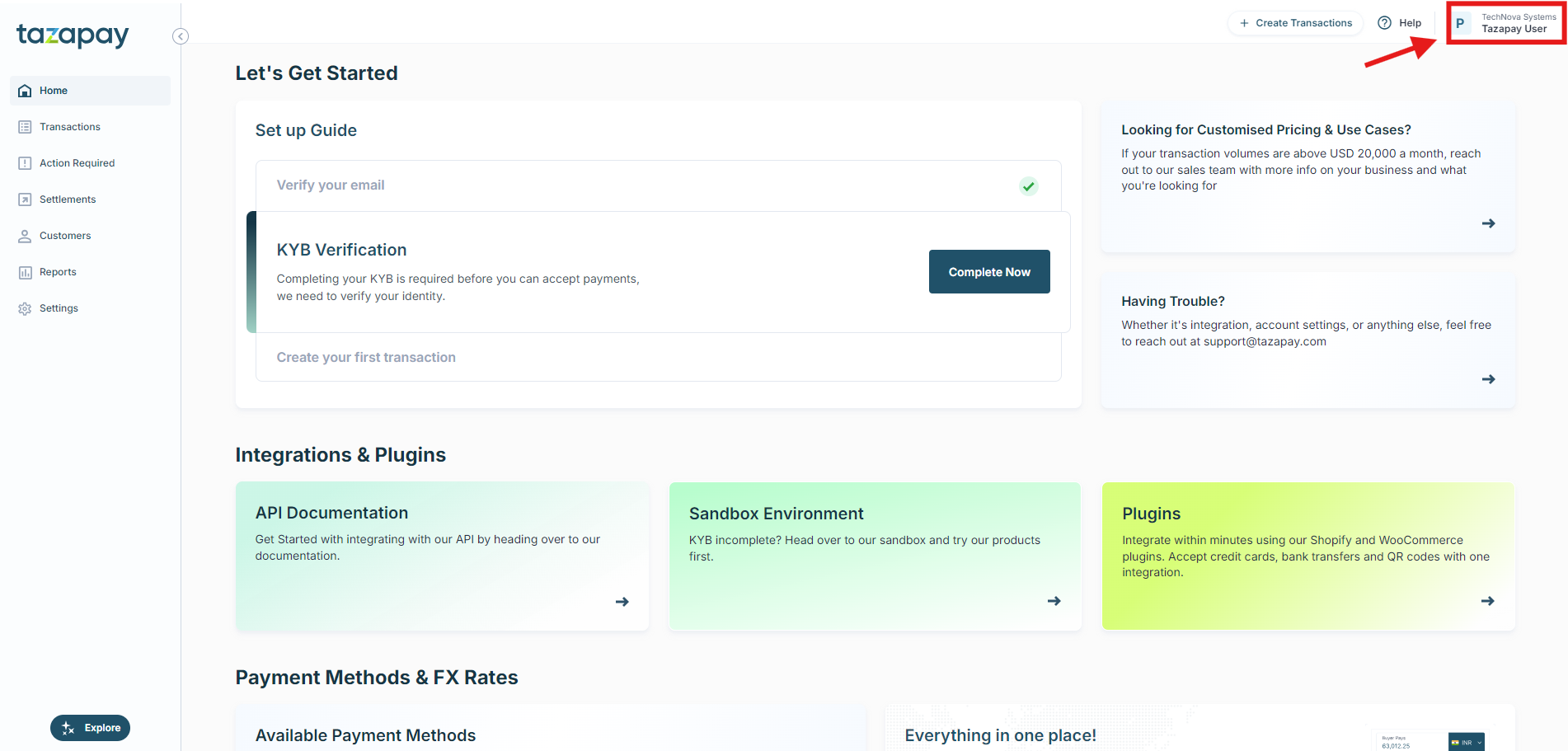
Navigate to dashboard.tazapay.com and login with your credentials.
Step 2: Access the Account Switcher
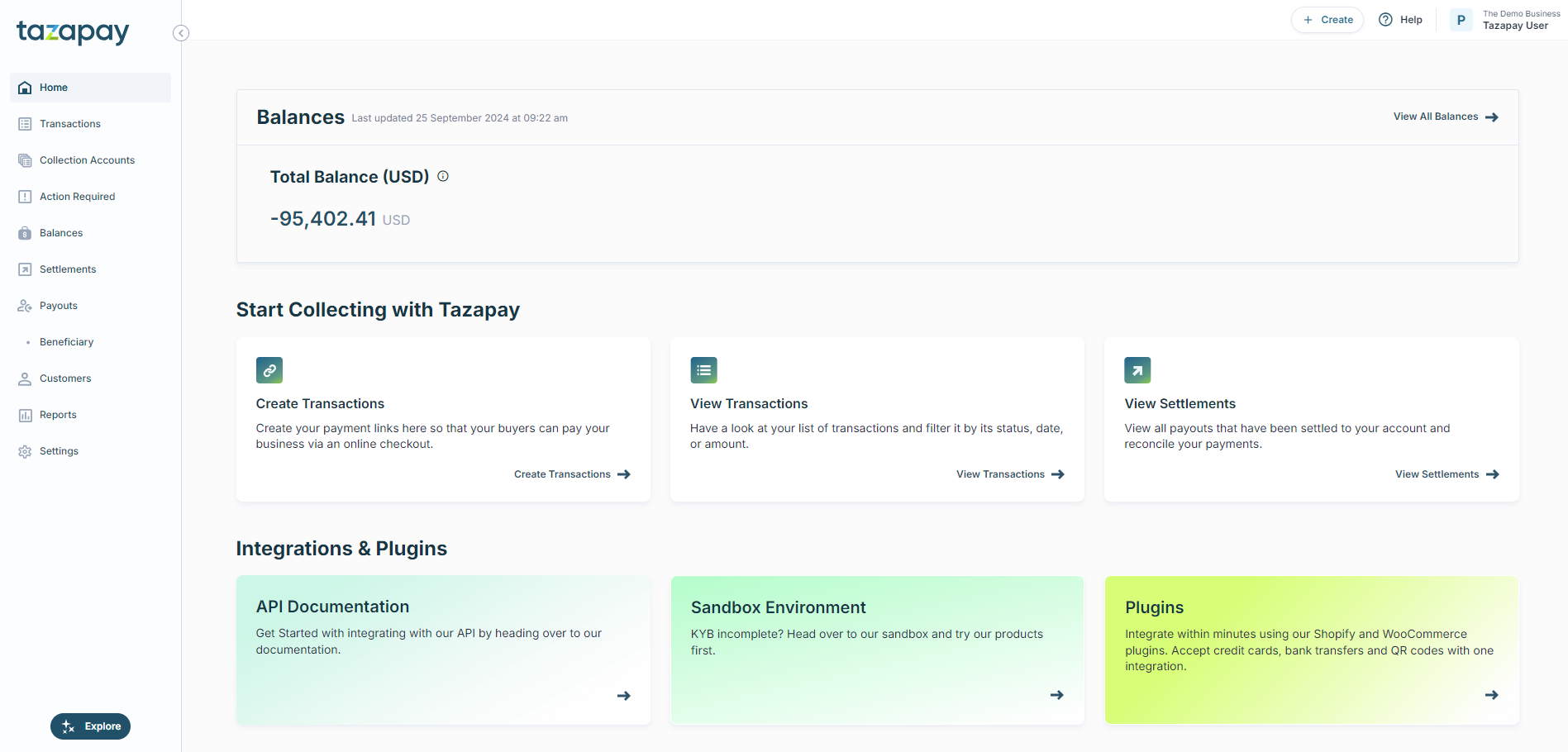
- Locate the Account Name:
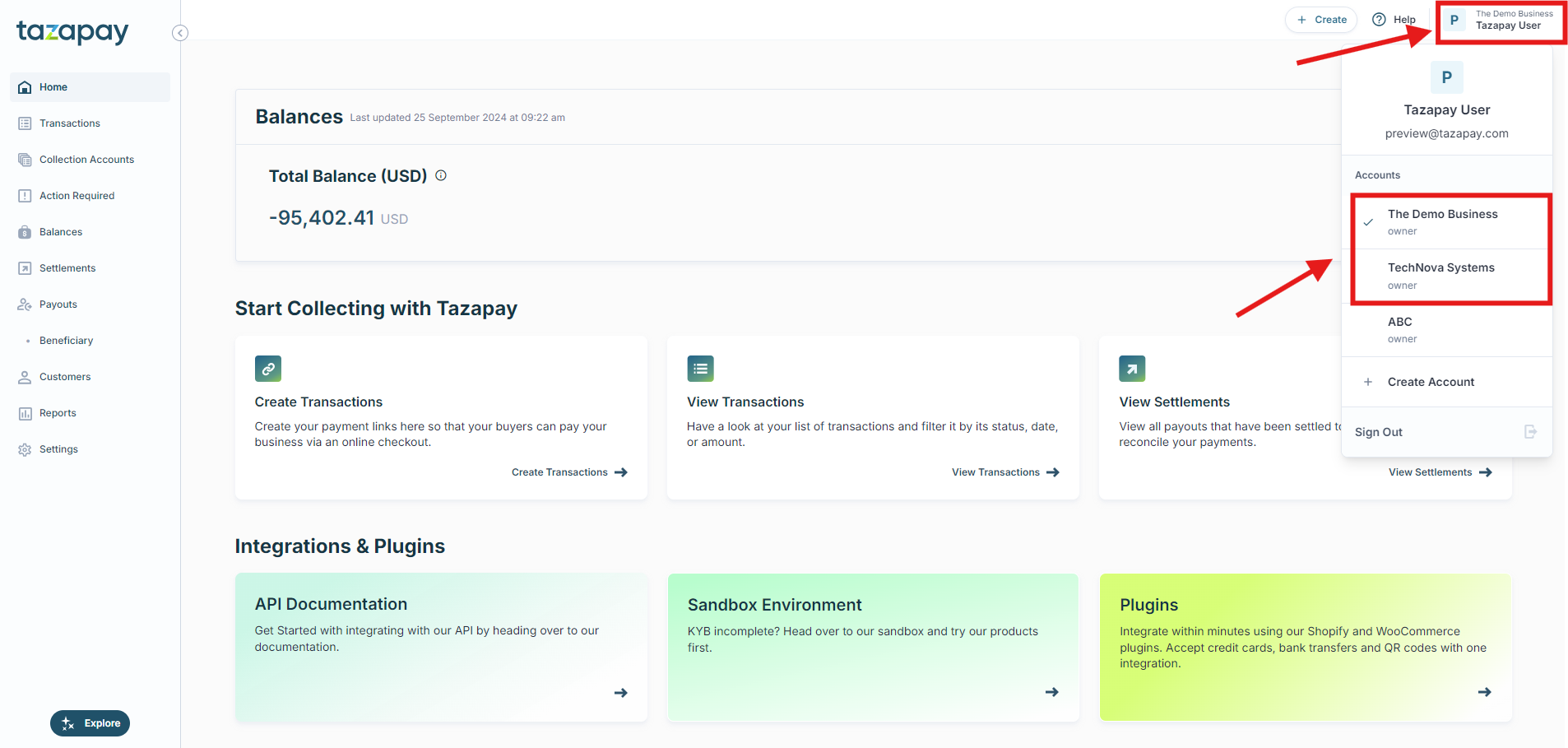
Once logged in, look at the top-left corner of your dashboard. You will see your current Account Name displayed. - Click on the Account Name:
Click on the Account Name to open a dropdown menu showing all the accounts associated with your login.
Step 3: Select the Desired Account
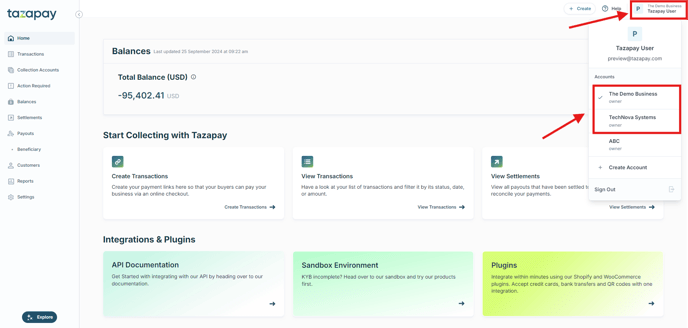
- Select the Account:
Click on the account you wish to switch to. The dashboard will refresh, and you will be navigated to the selected account's dashboard.
Step 4: Confirm Account Switch
- Verify the Account Name:
After switching, confirm that the Account Name displayed at the top-left corner has changed to the selected account. - Proceed with Account Activities:
You can now manage transactions, view reports, and perform other activities within the selected account.